How to read a broker's contract specifications
The symbol specification window holds the answers to most trading complaints — spreads, swaps, margin, lot sizes, trading hours. Here is how to read it and what each field actually means.
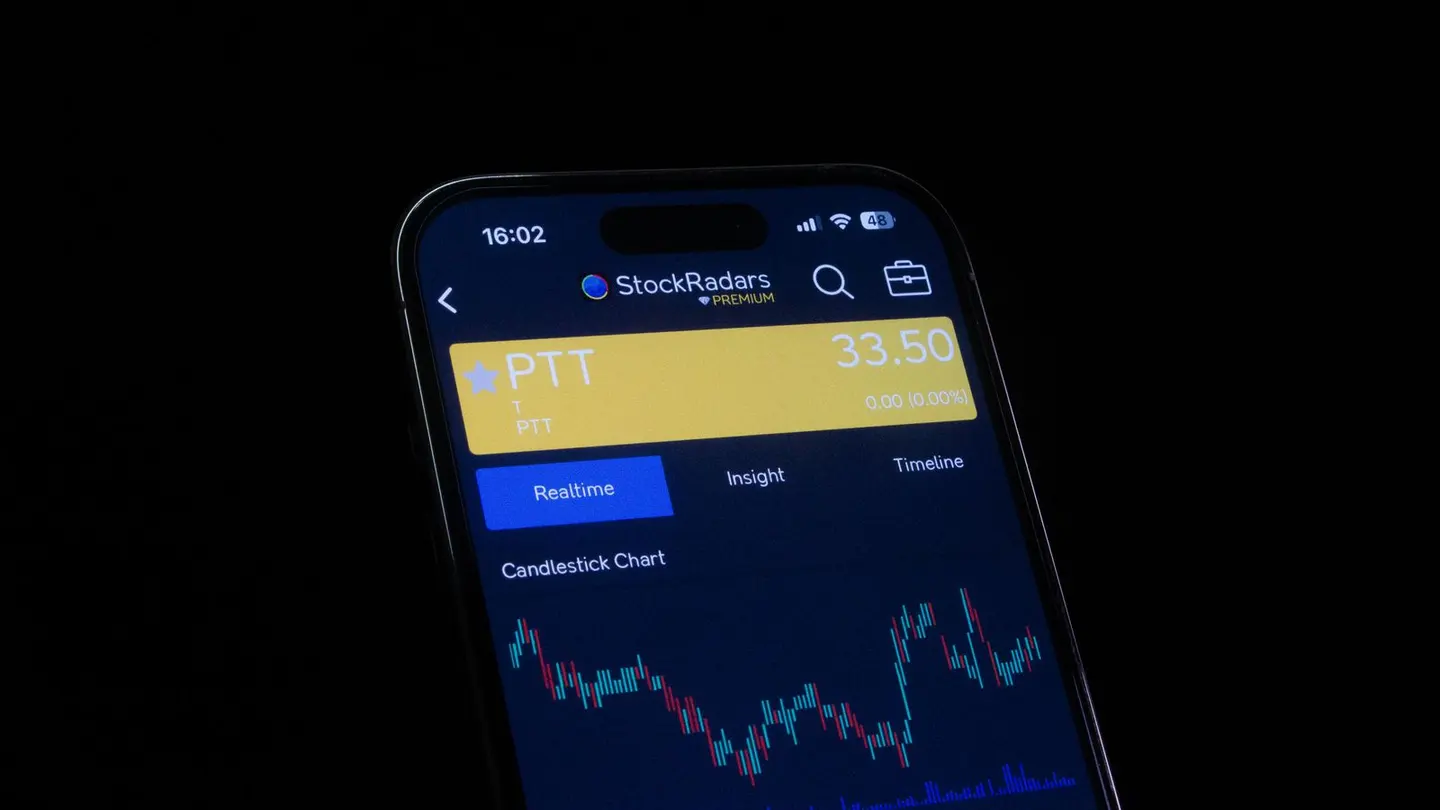
The contract specification window is the least-read document in trading and the most useful. Hidden in every platform's symbol properties are the answers to most of the questions traders ask after the fact: what the spread really is, what the swap costs, how much margin a position needs, and when the market actually trades. The traders who read the specifications before trading know the costs in advance; the traders who don't discover them on the statement.
This guide walks through the specification window's fields and what each one means in practice. The cost arithmetic behind the fields is in spread, commission and swap and leverage and margin.
Where to find it
The specifications live in the platform's symbol properties: in MetaTrader, right-click a symbol in Market Watch and open "Specification"; in cTrader, the symbol's details panel; in TradingView, the broker's symbol info. The window lists the instrument's trading terms, and every field matters. The platform comparison guide covers where each platform hides the window.
The fields that matter
Contract size. How many units of the base currency one lot controls — 100,000 for a standard forex lot, but different for metals, indices and CFDs. The contract size is the basis of every pip-value and margin calculation. Gold's contract size varies between brokers, which is why gold's pip value is never assumed. The lot sizes guide covers the scaling.
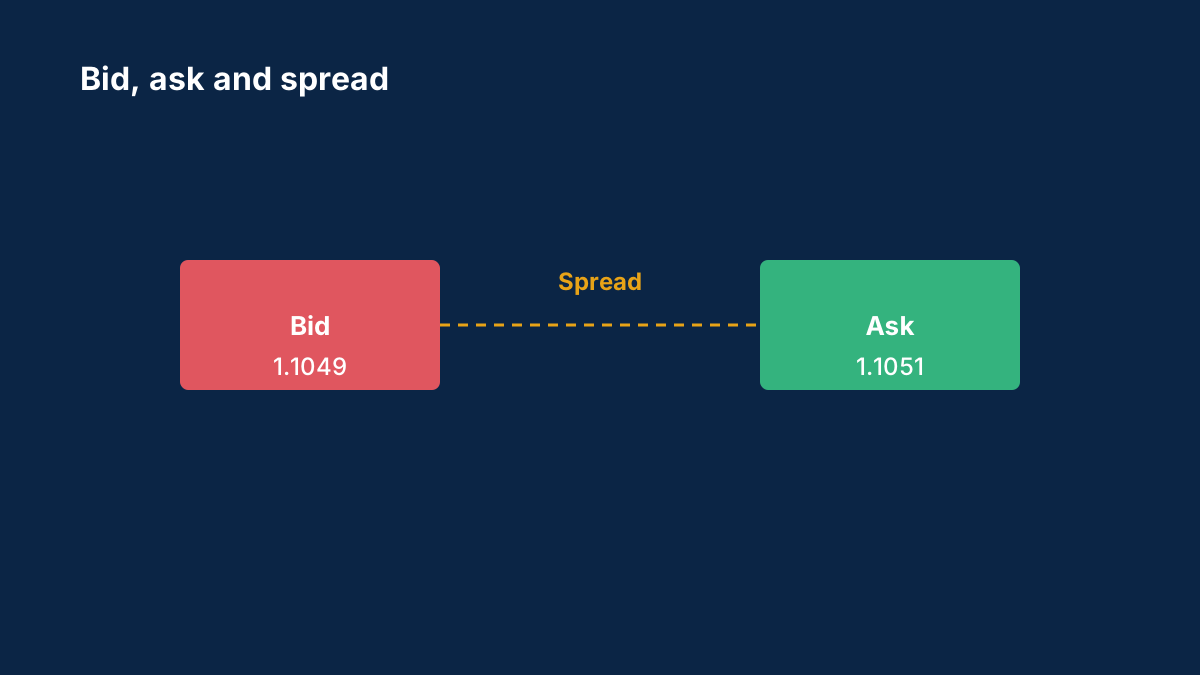
Spread. The broker's current bid-ask gap for the symbol, usually shown as the typical or current value. The number is a snapshot, not a promise — the why spreads widen explainer covers when it changes.
Swap long and swap short. The overnight interest for holding a position in each direction — the numbers that decide whether a held position earns or costs. The swap is quoted per lot per night, and the triple day multiplies it. The rollover explainer covers the mechanics.
Margin requirements. The margin percentage or the leverage for the symbol — how much of the position's value must be deposited. The percentage is per-symbol: some instruments carry higher margin requirements than others, and the specification is where the difference lives. The margin guide covers the calculation.
Minimum and maximum volume, and volume step. The smallest position size, the largest, and the increments between — the fields that decide whether a micro-lot plan fits the broker at all.
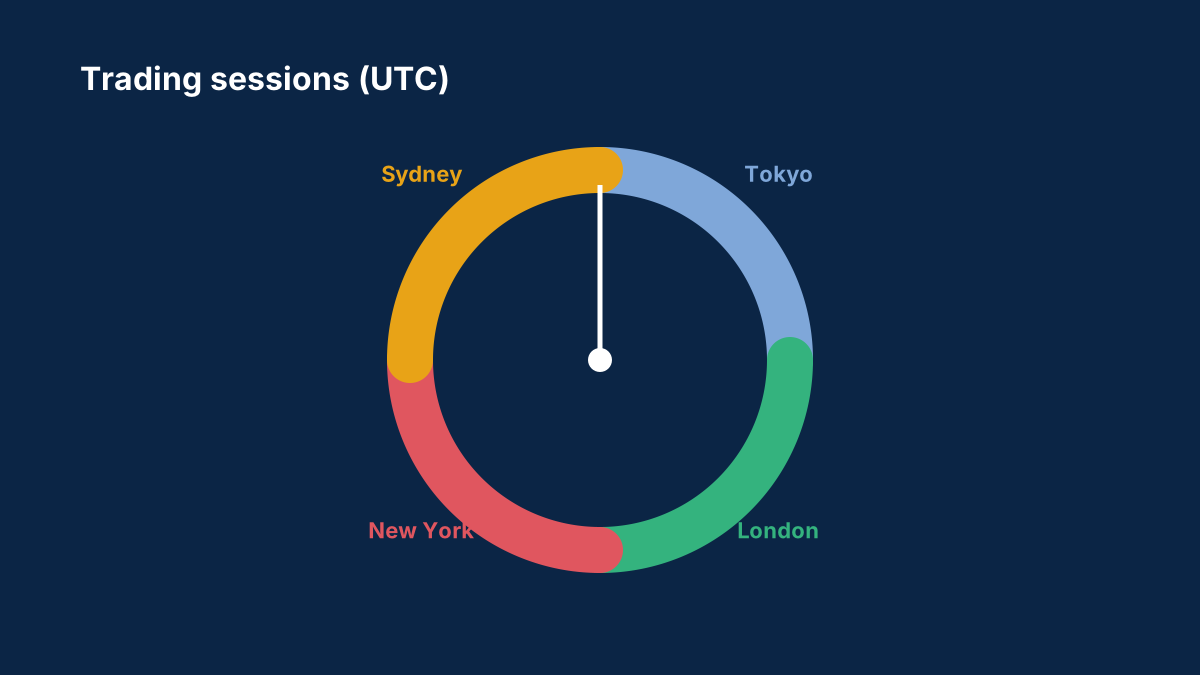
Trading hours. When the symbol actually trades, in server time — including the daily breaks some instruments take. The hours explain the gaps and the rejections: an order that fails at 11 p.m. is usually failing because the market is closed. The session guide covers the hours' structure.
Stop level and freeze level. How close to the current price a stop or limit can be placed — the broker's minimum distance. The stop level explains the rejected orders placed "too close", and it matters most for scalpers.
Order types and execution mode. Which order types the symbol accepts and how they fill — instant or market execution. The execution mode shapes the fills; the order types guide covers the modes.
The fields in practice
The fields become real in specific situations:
Before a first trade on a new symbol. Read the contract size, the swap, the margin and the stop level — the four fields that decide the trade's cost and feasibility. A symbol whose minimum volume is 0.1 lots is not a micro-account instrument; a symbol with a 50-pip stop level is not a scalping instrument.
Before holding overnight. Read the swap long and short, and check the triple day. A position held for a week pays or earns seven nights of swap — the specification's numbers make the cost visible in advance.
Before trading metals or indices. Read the contract size and the trading hours — the two fields where non-forex instruments differ most from the currency pairs' habits. Gold's contract size, an index's daily break: both live in the specification window and nowhere else.
When an order is rejected. The stop level, the volume limits and the trading hours are the usual suspects — the specification window is the first place to check.
The discipline
The specification window rewards a specific discipline: read it before every new symbol, and re-read it when the broker changes its terms. Brokers update specifications — margin changes before events, swap changes after central bank decisions — and the updates land in the same window. The swap rates discussion and the community's broker experience threads track the changes traders notice.
The fields across platforms
The same fields live in every platform, under different names, and the trader switching platforms needs the translation. MetaTrader's specification window lists the fields as contract size, spread, swap long and short, margin currency, stop level and freeze level, with the trading hours shown in the server's time zone. cTrader's symbol details present the same data with its own labels, often with the rollover times shown explicitly. TradingView's broker integrations surface a summary, with the full detail in the broker's own platform. The platform comparison guide covers the platforms' layouts; the practical rule is the same everywhere: find the window, read the fields, and note the server time zone before trusting any time shown.
The time zone note deserves emphasis, because it is the specification window's most common misread. The trading hours and the rollover times are quoted in server time, and the server's clock rarely matches the trader's local one — a "daily break at 23:59" in server time is a specific local hour the trader must convert. The market hours guide covers the sessions' real-world hours; the specification window's times are the broker's version of the same map.
Reading the fields for a new symbol
The fields' practical use is the new-symbol routine: before the first trade on any instrument, the four-field read. The contract size, first — the pip value's basis, and the field where metals and indices differ most from the currency habits. The swap, second — the overnight cost or income, checked for both directions and the triple day. The margin, third — the per-symbol requirement, which differs from the account's headline leverage and decides the position's collateral. The stop level, fourth — the minimum stop distance, which decides whether the trader's planned stop is even placeable. The position sizing guide runs the four fields into the trade's arithmetic; the routine's point is running them before the trade exists.
The routine's most common discovery is the plan's mismatch: the strategy that assumed a 10-pip stop meeting a 30-pip stop level, or the position sized on a contract size the symbol does not have. The discoveries are cheap before the trade and expensive after — which is the routine's entire justification. The order types guide covers the stop and limit mechanics the stop level governs.
When the specifications change
The specification window is not a fixed document — the broker updates it, and the updates are the trader's early warnings. The margin changes before volatile events — the broker raising the requirement for a pair ahead of a decision, per the community's margin change threads — land in the specification window first. The swap changes after central bank decisions — the rates repriced, the broker's mark-up adjusted — land in the same place. The trading hours change around holidays and the daylight-saving shifts. The rollover explainer covers the swap's changes; the weekend gaps guide the hours' changes around the weekend.
The practical habit is the re-read: before a major event, before holding a position overnight, and whenever the broker's emails announce terms updates, the specification window is the place the changes show up first. The traders who re-read it catch the margin changes before the margin call; the traders who don't meet them at the worst moment.
The specification as the broker's honesty test
The specification window is, finally, the broker's honesty test — the place the marketing's claims meet the tradeable numbers. The advertised spread against the window's spread, the promised platform features against the order types listed, the marketed swap-free terms against the swap fields' reality: the window is where the promises are either confirmed or quietly contradicted. The broker checklist uses the window as the cost step's evidence; the fake broker guide notes that the clones' windows often betray them — the copied branding with the mismatched specifications underneath.
The honesty test's practical form is the comparison: the marketing page and the specification window, side by side, before the funding. The traders who run the comparison trade the real terms; the traders who skip it trade the brochure. The specification window is the terms, in the platform's own words — and it is the document that never lies, because the platform enforces it.
The contract specification is the trading terms in one window — every cost, every limit, every hour. Read it before the trade, and the platform's most ignored document becomes the most used one.
Sources
Common questions
What is contract size in forex?
How many units of the base currency one lot controls — 100,000 for a standard forex lot, with different sizes for metals, indices and CFDs. It is the basis of every pip-value and margin calculation.
What is the stop level in contract specifications?
The broker's minimum distance from the current price at which stops and limits can be placed. Orders closer than the stop level are rejected — the field matters most for scalpers.
Why does my order get rejected at certain hours?
Usually because the symbol's trading hours have closed or paused — the specification window lists the hours in server time. The gap between server time and your local time is the common confusion.
Where do I find swap rates?
In the symbol's specification window — the swap long and swap short fields, quoted per lot per night. The triple day multiplies the number, and the rates change when central banks move.
Why do gold's contract sizes vary between brokers?
Gold is not standardised like currency pairs — brokers set their own contract sizes, usually 100 ounces per lot but not always. The specification window is the only reliable source for the number.
Was this guide helpful? 0 found it helpful, 0 did not.
Sign in with a confirmed email to answer.
This article is for information only and is not financial advice. Trading forex and CFDs carries a high risk of losing money. Read the risk warning. Spotted an error? Tell the editors.
Related reading



Comments
Log in to join the discussion. Comments follow the community guidelines.
Log in to commentLoading comments…