MetaTrader 4 vs MetaTrader 5 vs cTrader vs TradingView
The four platforms most forex traders choose between, compared on charting, order types, automation and broker availability.
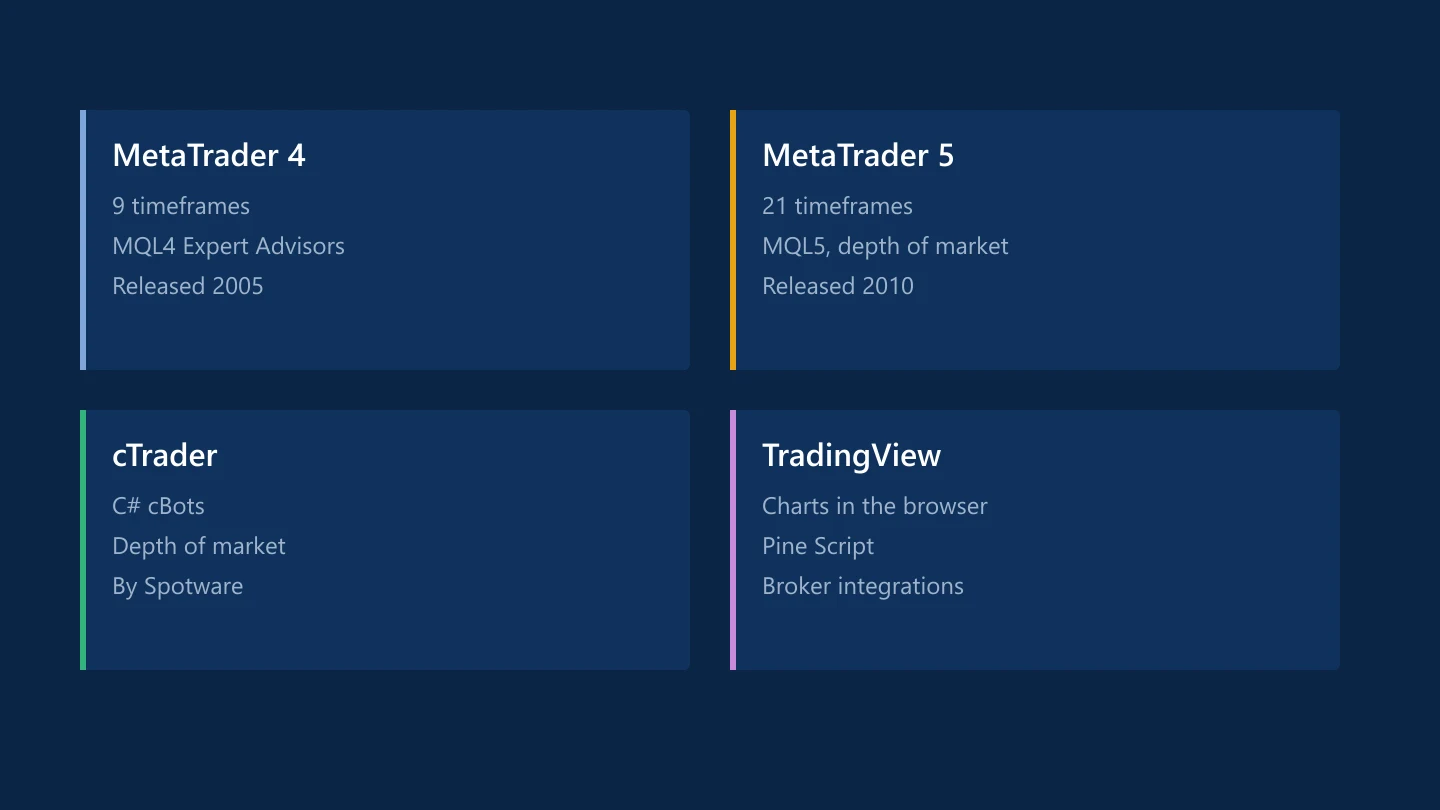
Your broker decides which platforms you can use, and your platform shapes how you trade. These are the four most widely offered to retail forex traders.
MetaTrader 4
Released by MetaQuotes in 2005, MT4 is still one of the most common forex platforms.
- Timeframes: 9, from one minute to monthly
- Automation: Expert Advisors and indicators written in MQL4, with a huge library of existing code
- Strengths: familiarity, simplicity and wide broker support
- Limits: built mainly for forex; trailing stops run inside the terminal, so they stop working when it is closed
MetaTrader 5
MetaQuotes released MT5 in 2010 as a multi-asset successor.
- Timeframes: 21
- Automation: MQL5, with a faster multi-threaded strategy tester
- Extras: depth of market, a built-in economic calendar and more pending order types, including stop-limit orders
- Positions: supports both hedging and netting account modes, depending on the broker
MT4 code doesn't run on MT5 without rewriting, which is the main reason many traders haven't moved.
cTrader
Developed by Spotware, cTrader is offered by a smaller number of brokers.
- Automation: cBots and indicators written in C#
- Features: depth of market, detached charts and detailed trade statistics
- Strengths: a modern interface and transparent order information
TradingView
TradingView started as a charting platform and social network, and many brokers now let you connect an account to trade from its charts.
- Charting: widely regarded as among the best, in the browser, desktop and mobile apps
- Automation: Pine Script for indicators and strategy testing; automated live execution depends on the broker's integration
- Community: published ideas and scripts from other users
- Availability: trading from TradingView depends on your broker supporting the integration, and some features need a paid TradingView plan
Which to choose
- You use or want Expert Advisors: MT4 or MT5, depending on what your code or vendor supports.
- You trade manually and care about charts: TradingView, if your broker connects to it.
- You program in C#: cTrader.
- You also trade other markets: MT5 or a broker's own multi-asset platform.
FTC's broker profiles list the platforms each broker offers, and the comparison table shows them side by side.
Common questions
What is the difference between MT4 and MT5?
MT5 has more timeframes (21 against 9), depth of market, a built-in economic calendar, more order types and a faster strategy tester. MT4 Expert Advisors written in MQL4 don't run on MT5 without being rewritten.
Can I trade forex directly on TradingView?
Yes, if your broker offers a TradingView integration. You connect your broker account and place orders from TradingView's charts.
Was this guide helpful? 0 found it helpful, 0 did not.
Sign in with a confirmed email to answer.
Sign in to track which lessons you have read.
This article is for information only and is not financial advice. Trading forex and CFDs carries a high risk of losing money. Read the risk warning. Spotted an error? Tell the editors.
Related reading


Discussions on this topic
Comments
Log in to join the discussion. Comments follow the community guidelines.
Log in to commentLoading comments…