Market, limit and stop orders: which order type to use
The order types on a trading platform decide when and at what price you enter or exit. What each one does, and the mistakes that cost traders money.
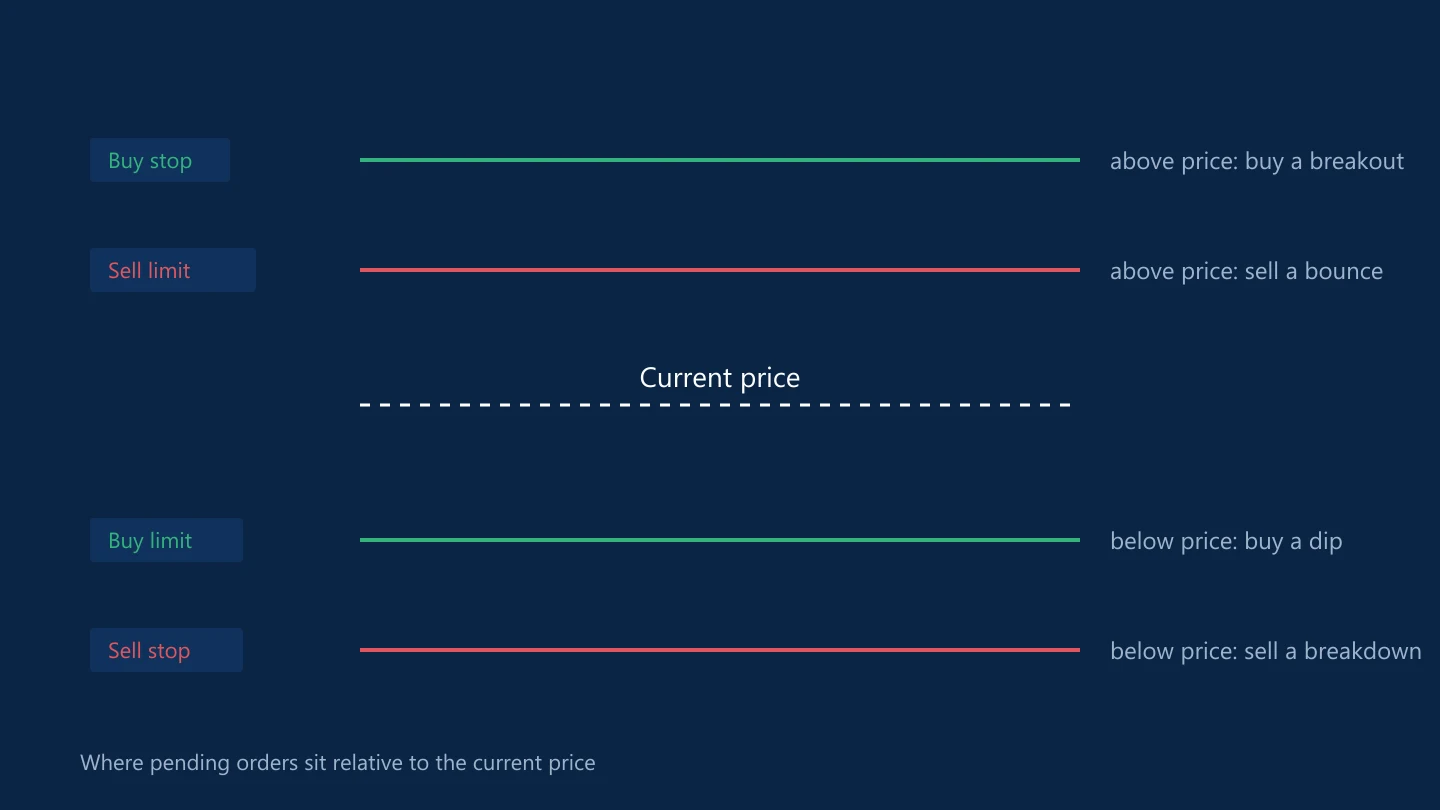
Choosing the right order type is part of the trade plan. The wrong one can fill you at the worst moment, or not at all.
Market orders
A market order buys or sells immediately at the best available price. It guarantees execution but not price, so in a fast market you may be filled some distance from the last quote.
Pending orders
Pending orders wait for the price to reach a level you set.
- Buy limit: buy below the current price, expecting a dip before the price rises.
- Sell limit: sell above the current price, expecting a bounce before the price falls.
- Buy stop: buy above the current price, expecting a breakout to continue upwards.
- Sell stop: sell below the current price, expecting a breakdown to continue.
An easy way to remember it: limit orders get you a better price than now; stop orders get you in once the market proves it is moving your way.
Limit orders fill at your price or better, but they may not fill at all. Stop orders become market orders once triggered, so they can fill at a worse price in a fast move.
Orders that close a position
- Stop-loss: closes the trade at a set level to cap the loss. It is a stop order, so it can slip.
- Take-profit: closes the trade at a set level to lock in gains. It is a limit order.
- Trailing stop: a stop-loss that follows the price by a set distance as the trade moves in your favour. On MetaTrader 4, trailing stops run in the platform on your computer, so they stop working when the terminal is closed.
Stop-limit orders
Some platforms, including MetaTrader 5, offer buy stop limit and sell stop limit orders. When the price reaches the stop level, a limit order is placed instead of a market order. That prevents a fill at a much worse price, at the cost of possibly not being filled.
Expiry
Pending orders can be good until cancelled or set to expire at a given time. Leaving old pending orders on the platform is a common way to end up in a trade you had forgotten about.
Common mistakes
- Confusing buy limit with buy stop and entering in the opposite scenario to the one planned.
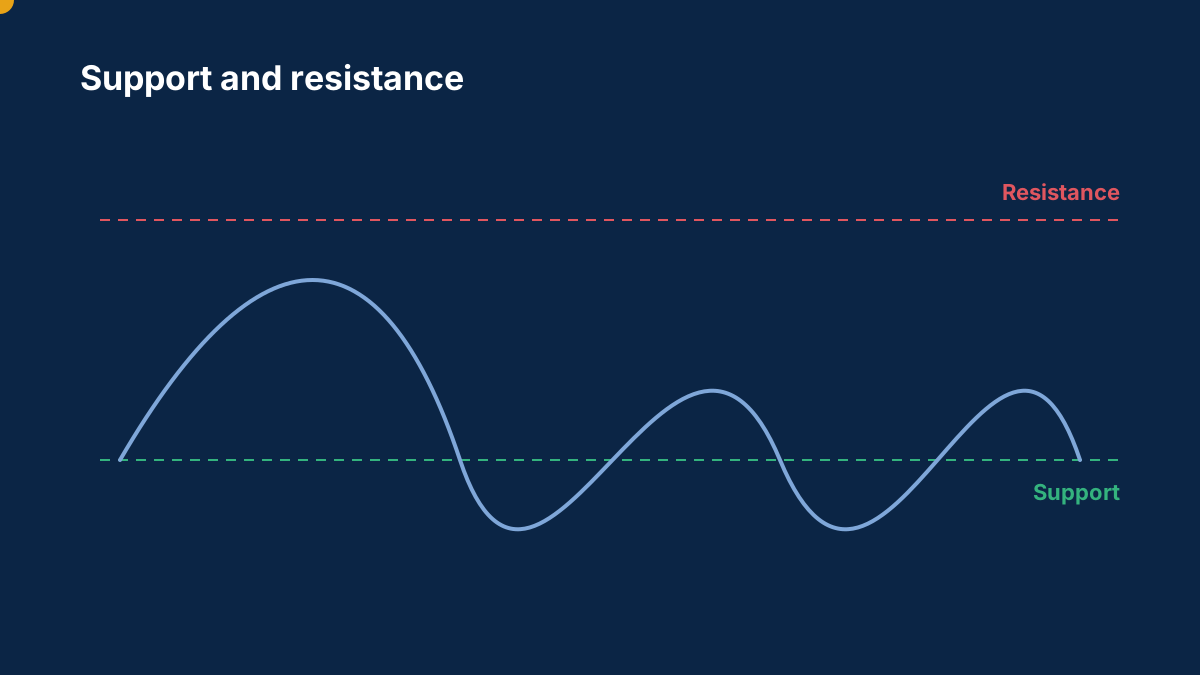
- Placing stops exactly at round numbers or obvious highs and lows, where many other stops sit.
- Using market orders in the seconds around a major release.
- Moving a stop-loss further away once the trade goes against you.
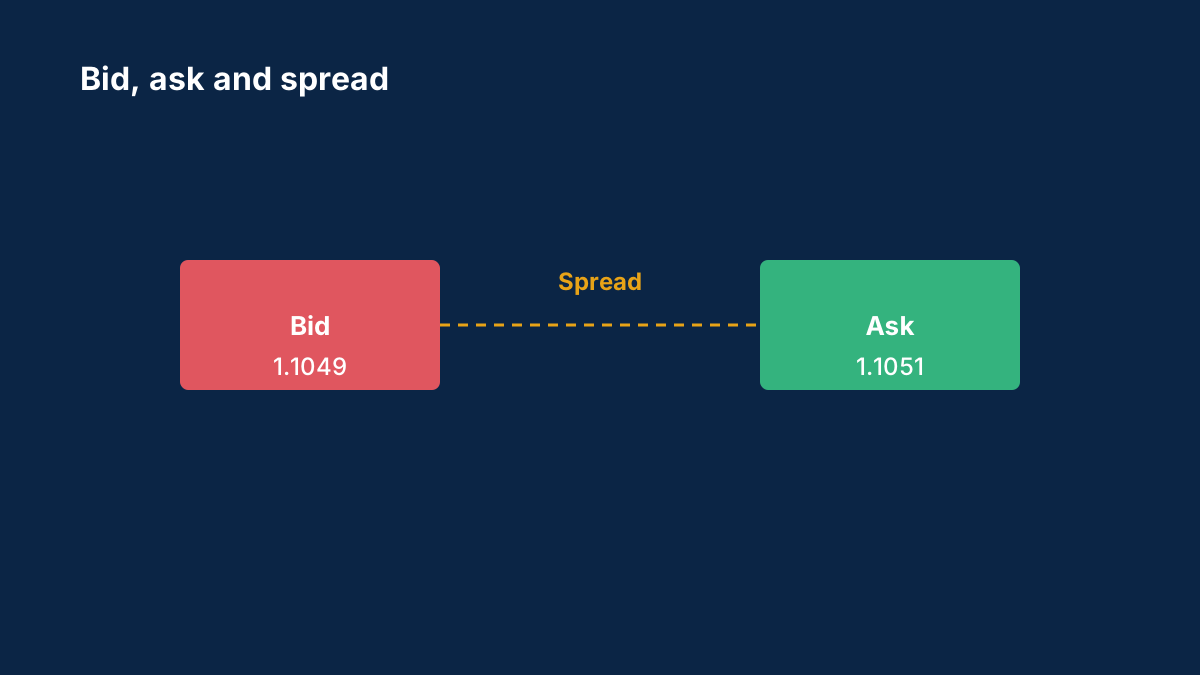
Why stop orders can fill away from their level is explained in bid, ask and slippage.
Common questions
What is the difference between a buy limit and a buy stop?
A buy limit is placed below the current price to buy on a dip. A buy stop is placed above the current price to buy if the price breaks higher.
Does a stop-loss guarantee the exit price?
No. A standard stop-loss becomes a market order when triggered and can fill beyond its level in a gap or fast market. Guaranteed stops, where offered, cost extra.
What is a stop-limit order?
An order type, offered on platforms such as MetaTrader 5, that places a limit order once the price reaches a stop level, instead of a market order. It avoids a fill at a much worse price, at the cost of possibly not being filled at all if the market keeps moving.
Was this guide helpful? 0 found it helpful, 0 did not.
Sign in with a confirmed email to answer.
Sign in to track which lessons you have read.
This article is for information only and is not financial advice. Trading forex and CFDs carries a high risk of losing money. Read the risk warning. Spotted an error? Tell the editors.
Related reading

Discussions on this topic
Comments
Log in to join the discussion. Comments follow the community guidelines.
Log in to commentLoading comments…