MetaTrader 5 mobile app: what it does and does not do
MetaQuotes' free app for iPhone, iPad and Android includes all order types, Market Depth and netting or hedging. MetaQuotes does not provide brokerage, so you need an account with a broker to trade.
MetaTrader 5 Mobile is a free application from MetaQuotes Software for iPhone, iPad and Android. MetaQuotes describes it as a way to trade forex, stocks and futures from a phone or tablet, and its official page says the app can be installed on any iOS or Android device (MetaQuotes: MetaTrader 5 mobile trading).
What the app includes
- Orders: all order types, including pending and stop orders. Market and limit orders can be placed from Market Watch or Market Depth (iPhone page).
- Protective levels: Take Profit and Stop Loss orders can be attached to a position to close it at a set profit or limit a loss.
- Market Depth: the order book, shown as Level 2, where orders can also be placed.
- Position accounting: netting and hedging, the two systems the app supports.
- Charts: three chart types and nine timeframes, with zoom and scale controls. The iPhone page also lists 30 technical indicators and 24 analytical objects.
- One Click Trading: the iPhone page places it in the iPad version. Combined with Market Depth, it lets a user place, change and close orders with one tap.
What the app does not do
- It does not provide brokerage. MetaQuotes says it "is a software development company and does not provide investment or brokerage services" (MetaQuotes).
- It does not choose your broker. The official page says that if your broker is not in the app's list, you should ask the broker to contact MetaQuotes.
- It does not explain the connection steps. The pages describe connecting to a broker's server, but not how to do it. Use your broker's own setup guide.
Before you trade on a live account
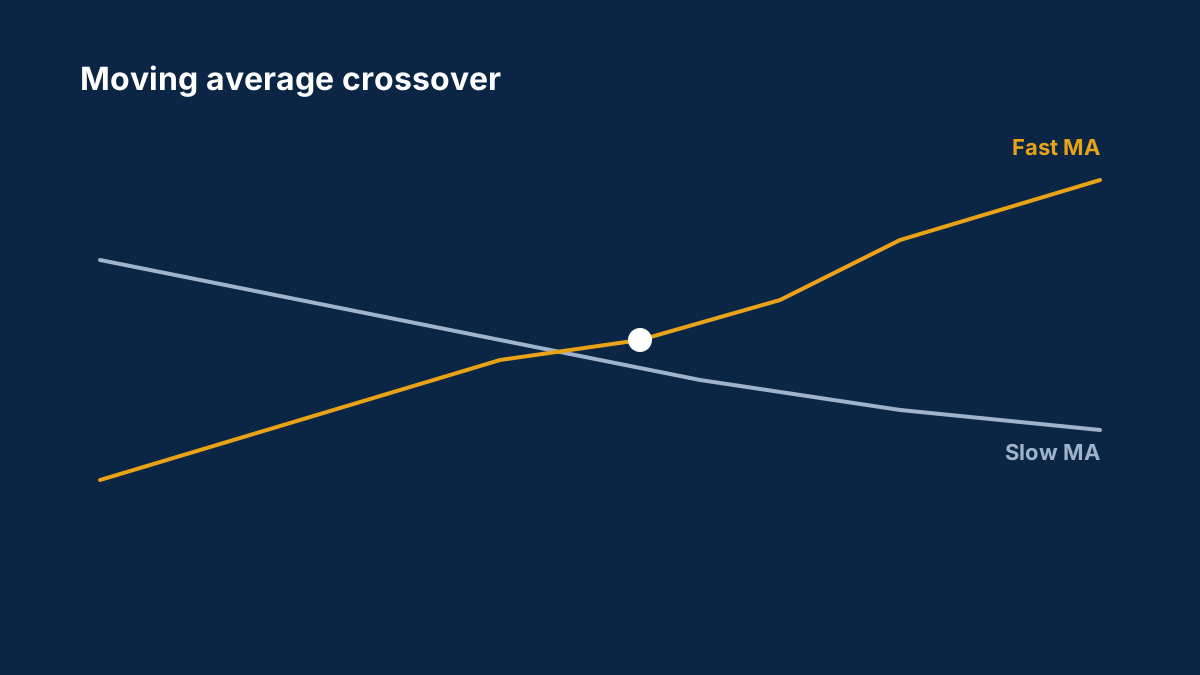
Your broker's agreement governs a live account, not the app. Check the broker's regulator entry first, using how to check if a forex broker is regulated. Leverage multiplies both gains and losses, so read leverage and margin explained before you use it on a phone, where a quick tap can open a large position. For how MetaTrader 4, MetaTrader 5, cTrader and TradingView compare on the desktop, see the platform comparison.
Sources
Common questions
Is the MetaTrader 5 mobile app free?
MetaQuotes describes the app as free for iPhone, iPad and Android. The app itself does not provide brokerage, so the cost of trading depends on your broker.
Can I trade with the MetaTrader 5 mobile app without a broker?
No. MetaQuotes states that it does not provide investment or brokerage services, so you need an account with a broker whose server the app connects to.
Does the app support stop loss and take profit?
Yes. The official iPhone page lists Take Profit and Stop Loss orders that can be attached to a position.
Was this guide helpful? 0 found it helpful, 0 did not.
Sign in with a confirmed email to answer.
This article is for information only and is not financial advice. Trading forex and CFDs carries a high risk of losing money. Read the risk warning. Spotted an error? Tell the editors.
Discussions on this topic
Comments
Log in to join the discussion. Comments follow the community guidelines.
Log in to commentLoading comments…