What do you monitor to avoid a margin call, and how often do you check it?
A margin call happens when the funds in an account fall below the level a broker requires to keep positions open. The broker can then close positions, often at a loss. Leverage and margin explained explains the margin figures brokers show and what they mean for an open position, which is the first thing to understand before you watch for a call.
Margin levels can change quickly in volatile markets, especially around releases when spreads widen and prices gap. Members who avoid a margin call usually check the margin figure before a known event, not only after a loss. A rule that caps total exposure is often easier to keep than a rule that reacts to the margin level, because it works before the broker's warning arrives. Checking the margin figure at fixed times, and before any release you already know about, takes little effort and catches most of the risk early.
We would like to hear your routine:
- Which margin figure do you monitor, and what level makes you act?
- How often do you check it during a news window?
- Have you had a position closed by your broker? What did you learn?
- What single rule would you give a new trader to avoid a margin call?
Please share your own approach and reasoning, not calls for others to copy. Posts that promise a direction or sell signals will be removed.
Background: Leverage and margin explained: margin calls, stop-outs and how losses grow
Leverage lets you control a large position with a small deposit. It magnifies losses exactly as much as gains, and it is behind most blown trading accounts.
What does 30:1 leverage mean?
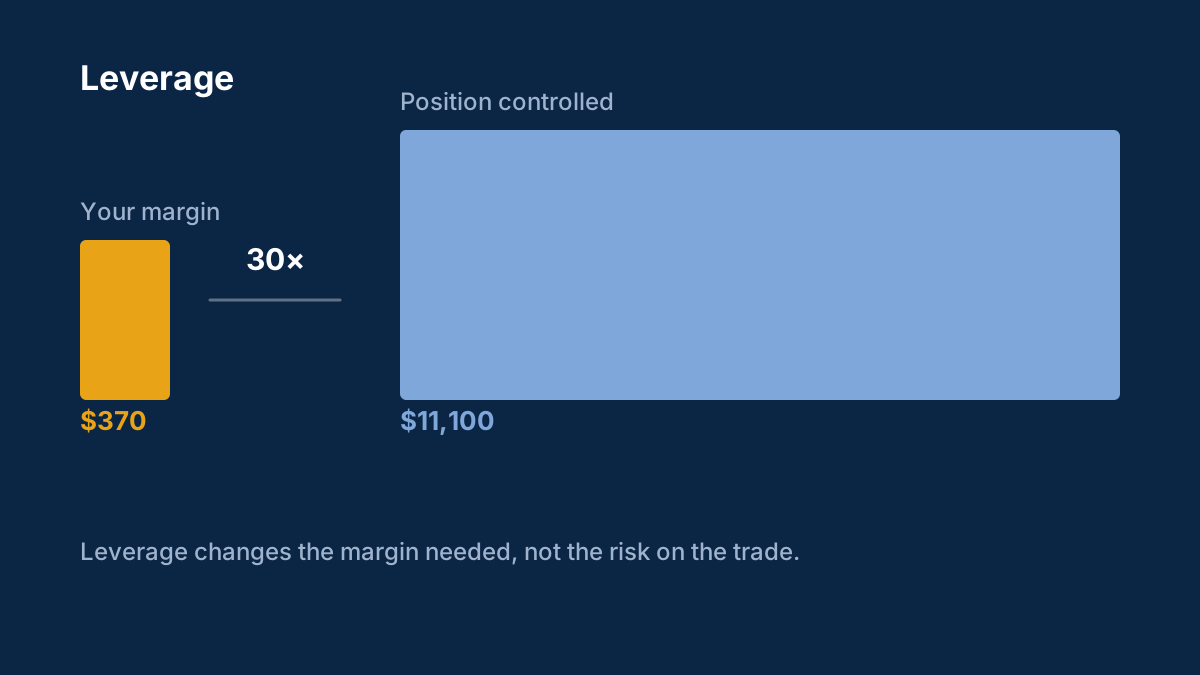
You can control a position 30 times larger than your margin deposit. $1,000 of margin opens a $30,000 position, and gains and losses are calculated on the full $30,000.
What is a margin call?
A warning from your broker that losses have reduced your margin level to a set threshold. If it keeps falling, the broker starts closing positions automatically, which is called a stop-out.
Comments
Log in to join the discussion. Comments follow the community guidelines.
Log in to commentLoading comments…